Case study 03 · Web app · 2024–2025
Sphero EDU Web App
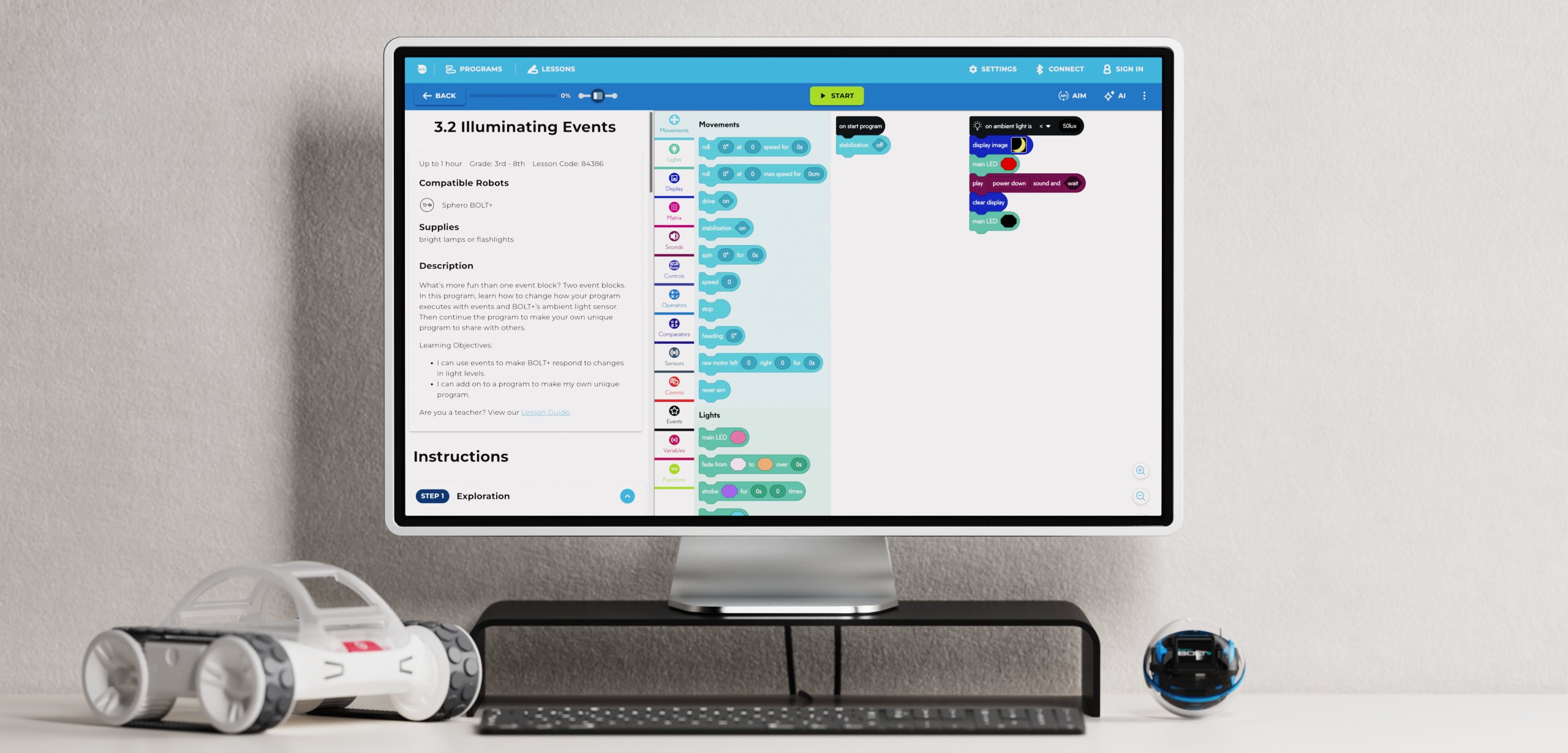
The web version of Sphero EDU, Sphero’s flagship learning app — a new design system and a clearer experience that still feels familiar to existing users.
- Role
- Lead UX/UI Designer
- Timeline
- 09/2024 – 06/2025
- Team
- PM & software engineering · Sole designer
- Scope
- UX simplification · Design system · Custom icons & components · Prototypes
01 — Overview
Sphero’s flagship learning app, now in the browser.
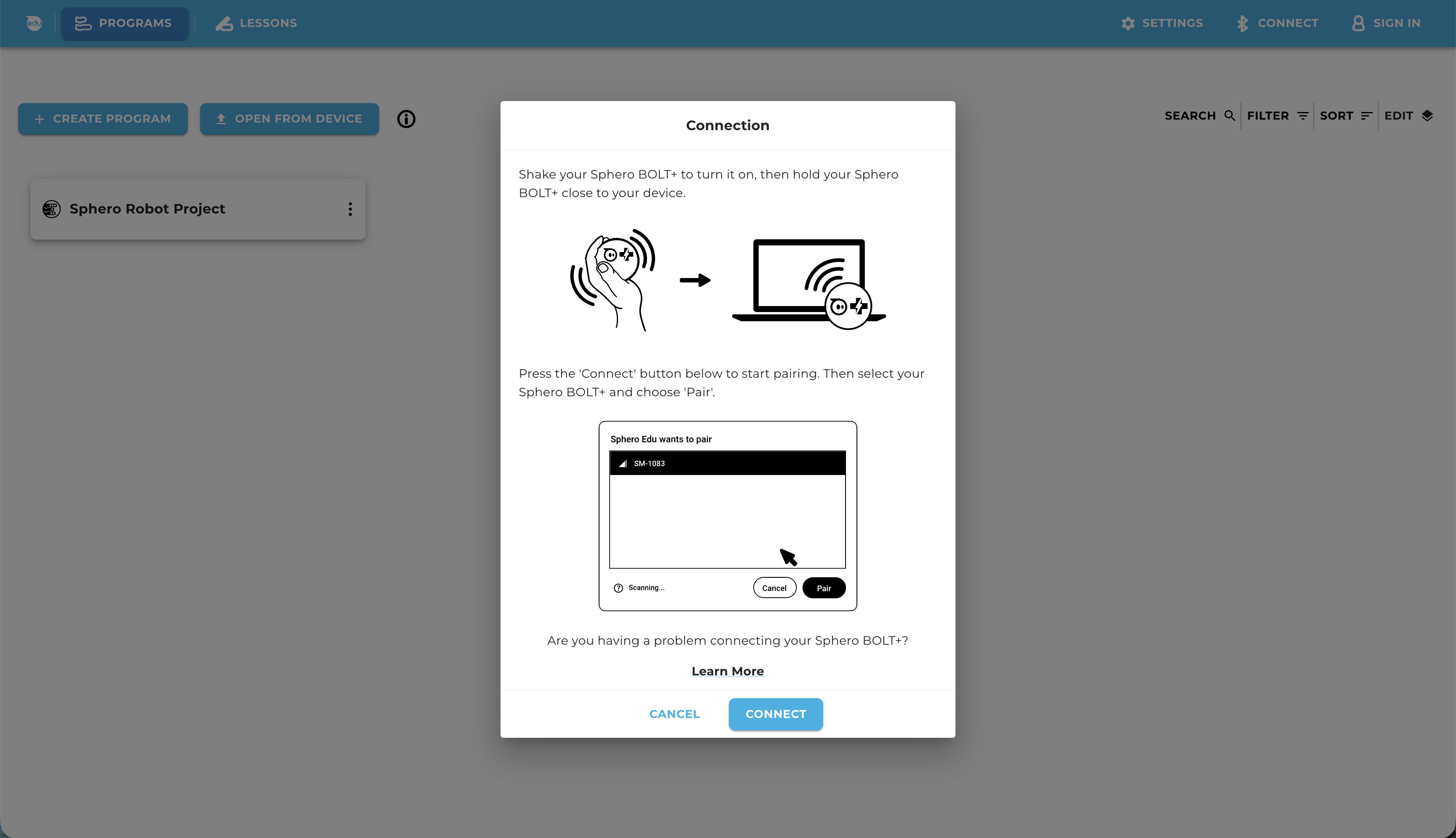
Sphero EDU is where students program Sphero robots. It lived in iOS and Android apps, and some features required a sign-in — one complicated enough that it had to tell school users from individual users. The web app lets anyone open a browser, connect a robot and start programming, with no sign-in and nothing to install.
As the only designer, I worked with the PM and software engineers to simplify Sphero EDU down to its core, build the web app’s design system and prototypes, and keep it familiar to people who already knew the app.
02 — The challenge
Too many steps between a student and their first program.
The native apps opened on a landing page of app instructions, and features like lessons sat behind a sign-in that had to separate school and individual accounts. Every extra step was another chance for a class to stall before anyone touched a robot.
01
Start programming right away
No sign-in, no install: open the browser and connect a robot.
02
Keep the core, cut the rest
Simplify Sphero EDU to what students use most.
03
Familiar for existing users
Teachers and students who know Sphero EDU feel at home right away.
03 — Familiar, but clearer
Simplify to the core
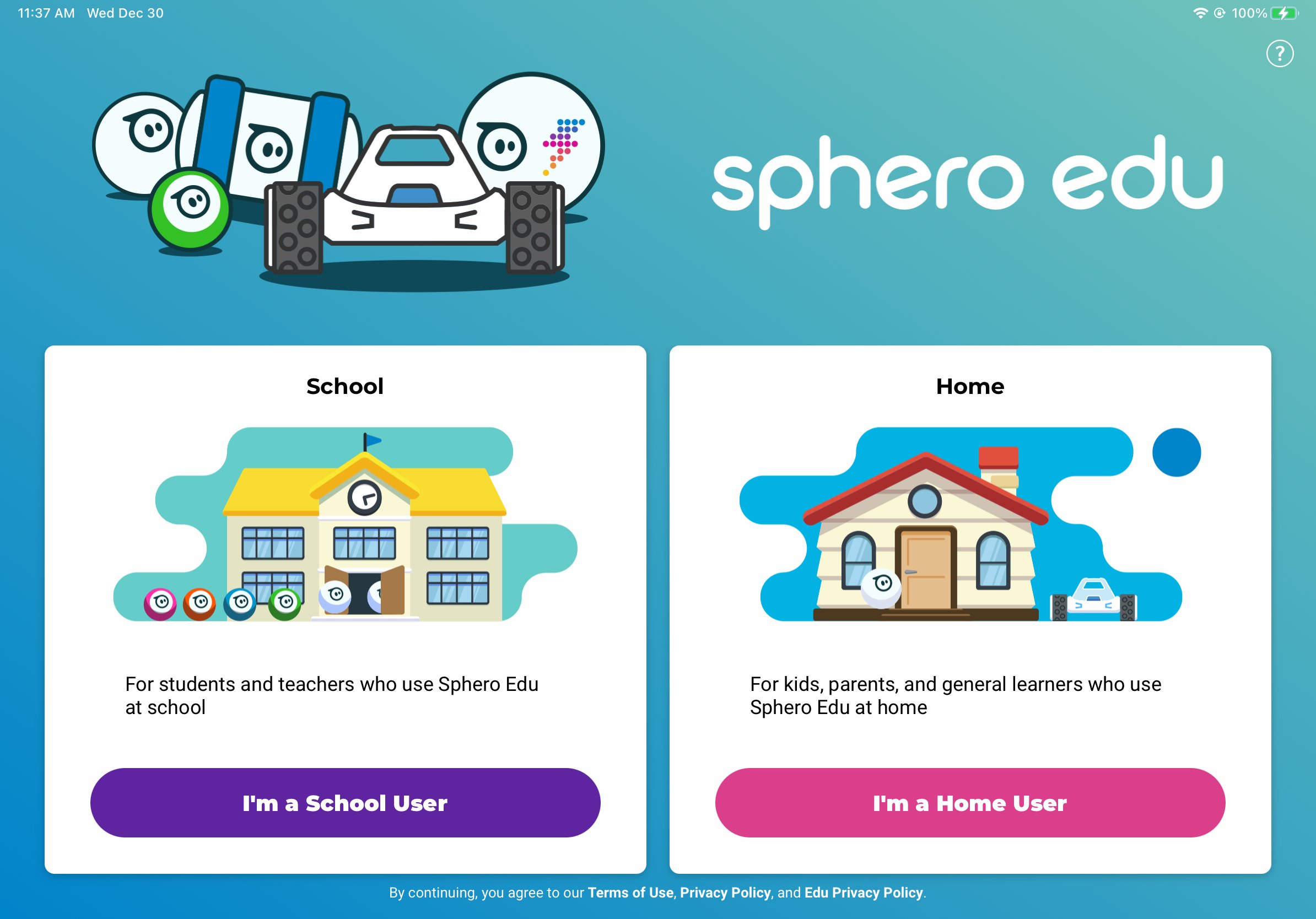
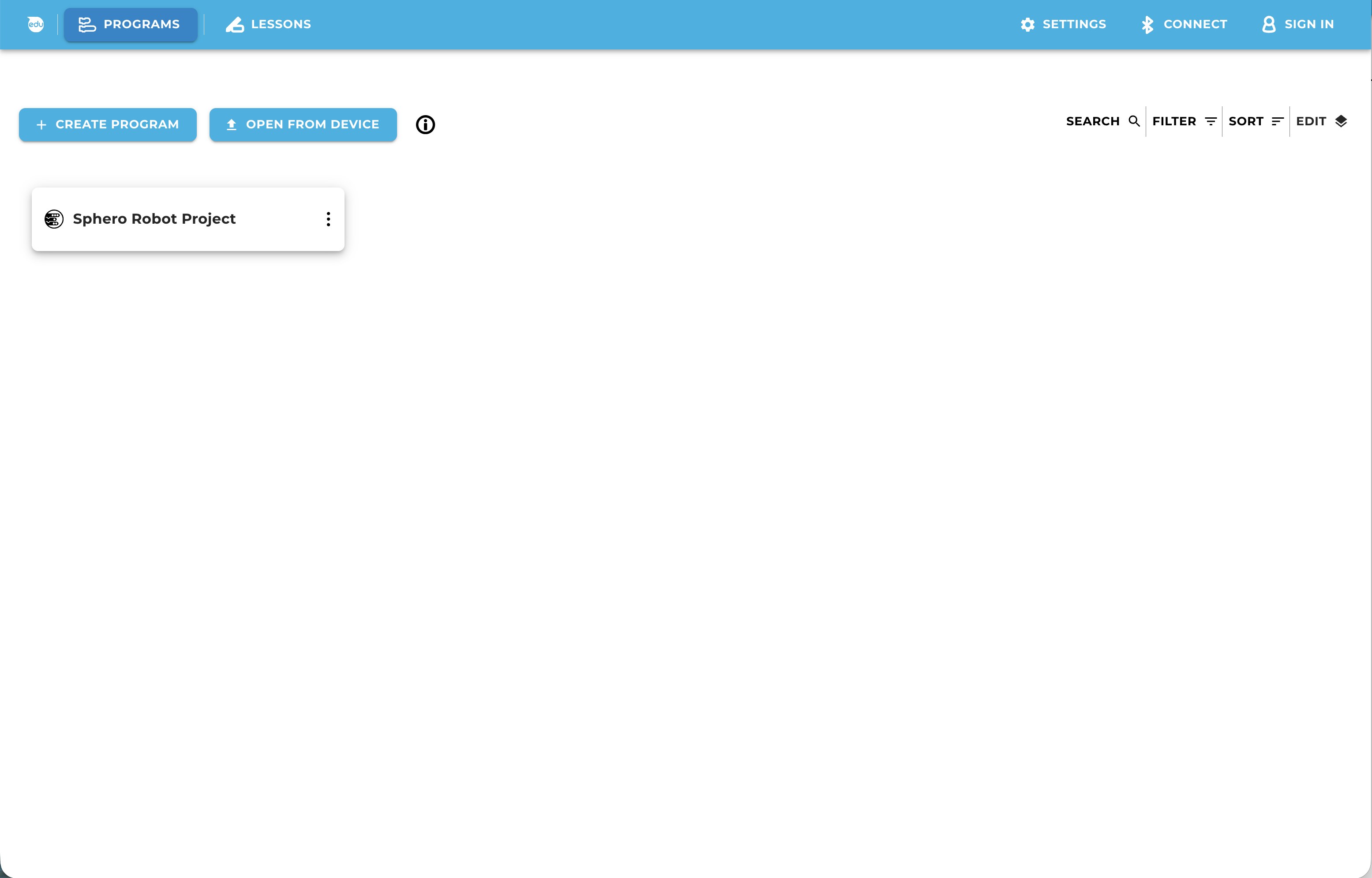
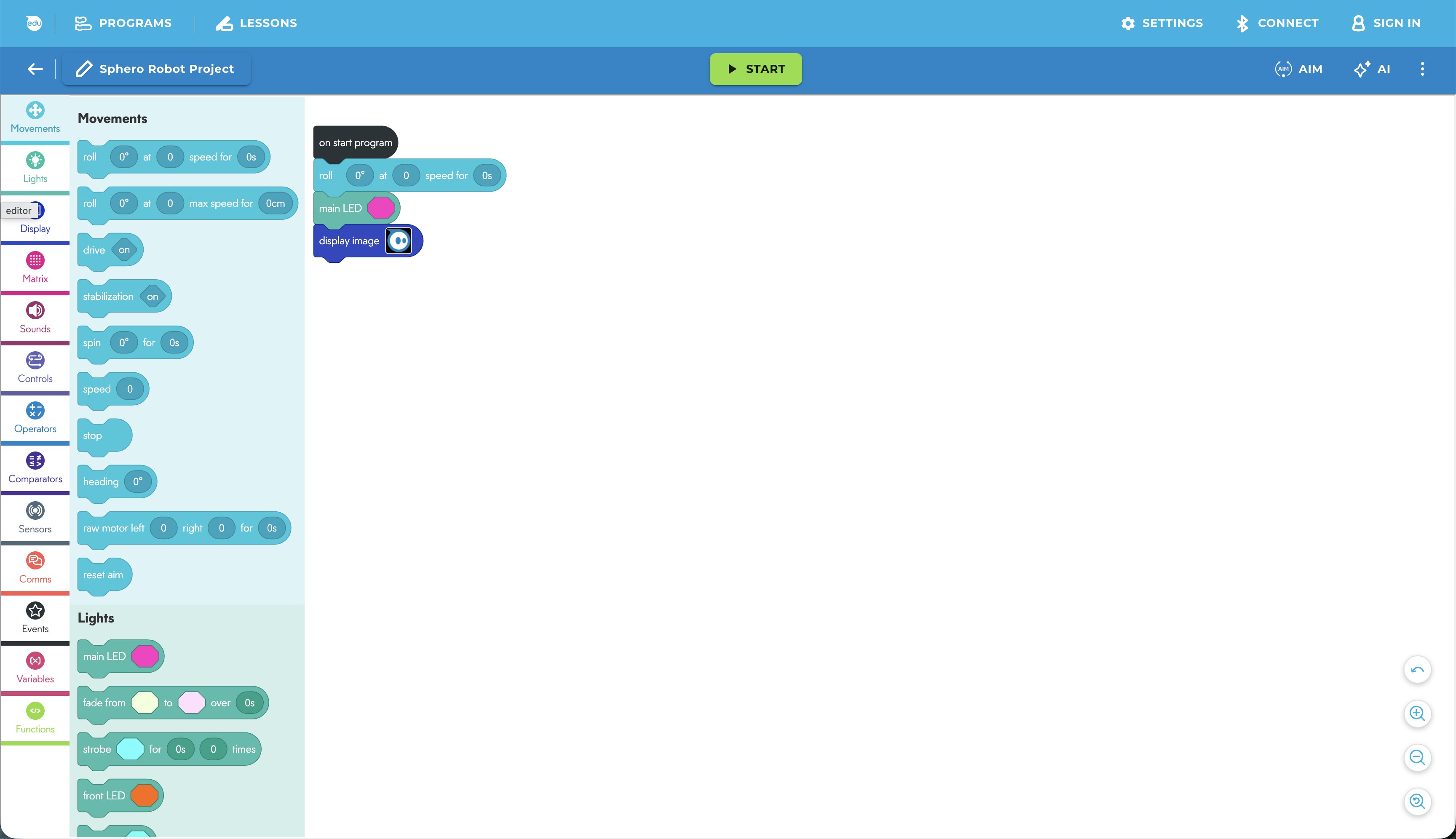
We removed the old landing page of app instructions, so the web app opens straight into programming.
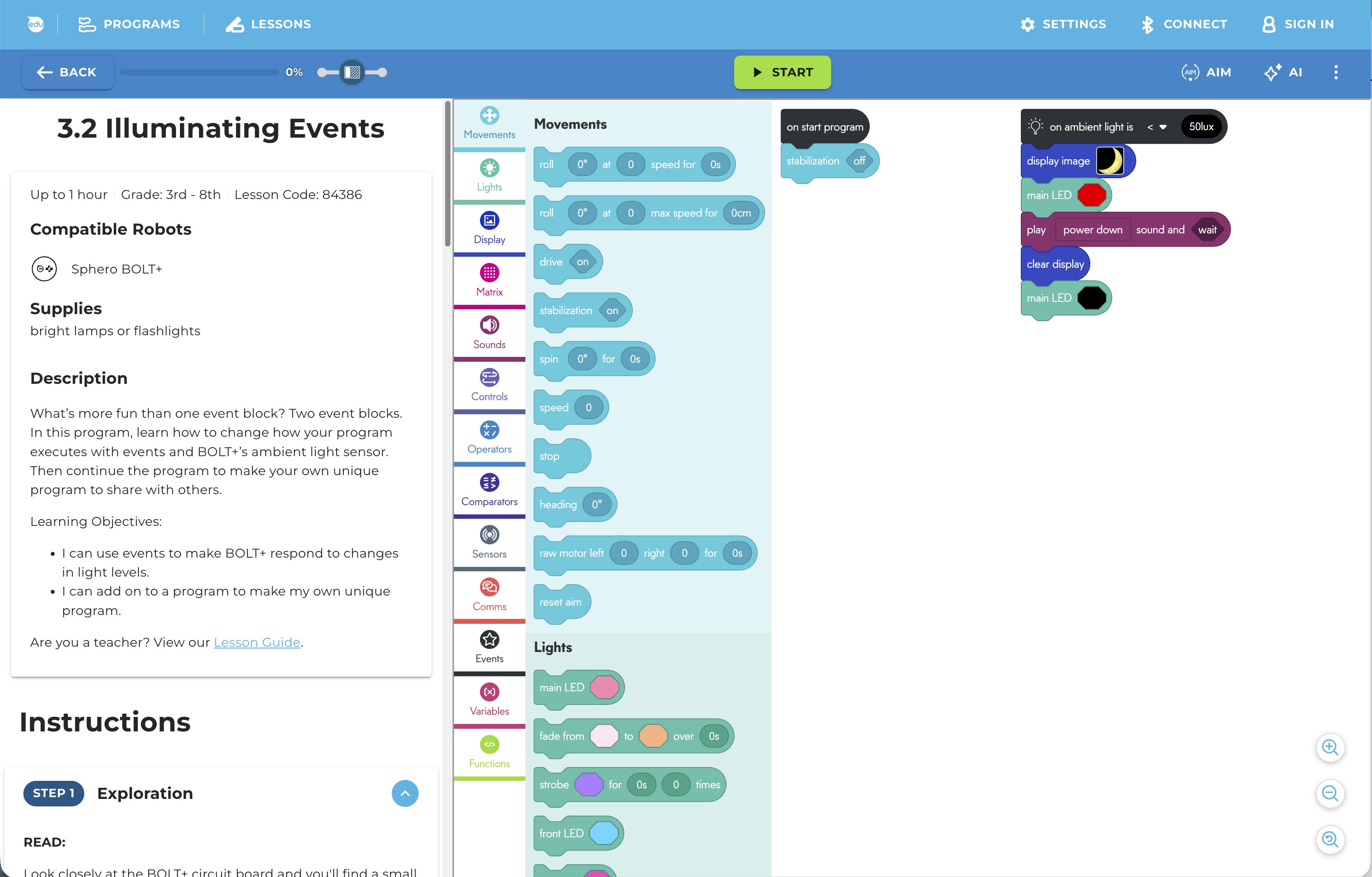
Lessons moved to Sphero Central, where each one has a 5-digit code. Students copy and paste the code into the web app to open the lesson — no account needed. In short, we simplified Sphero EDU and kept its core for easy use.
04 — Design system & prototypes
Built on MUI, made Sphero
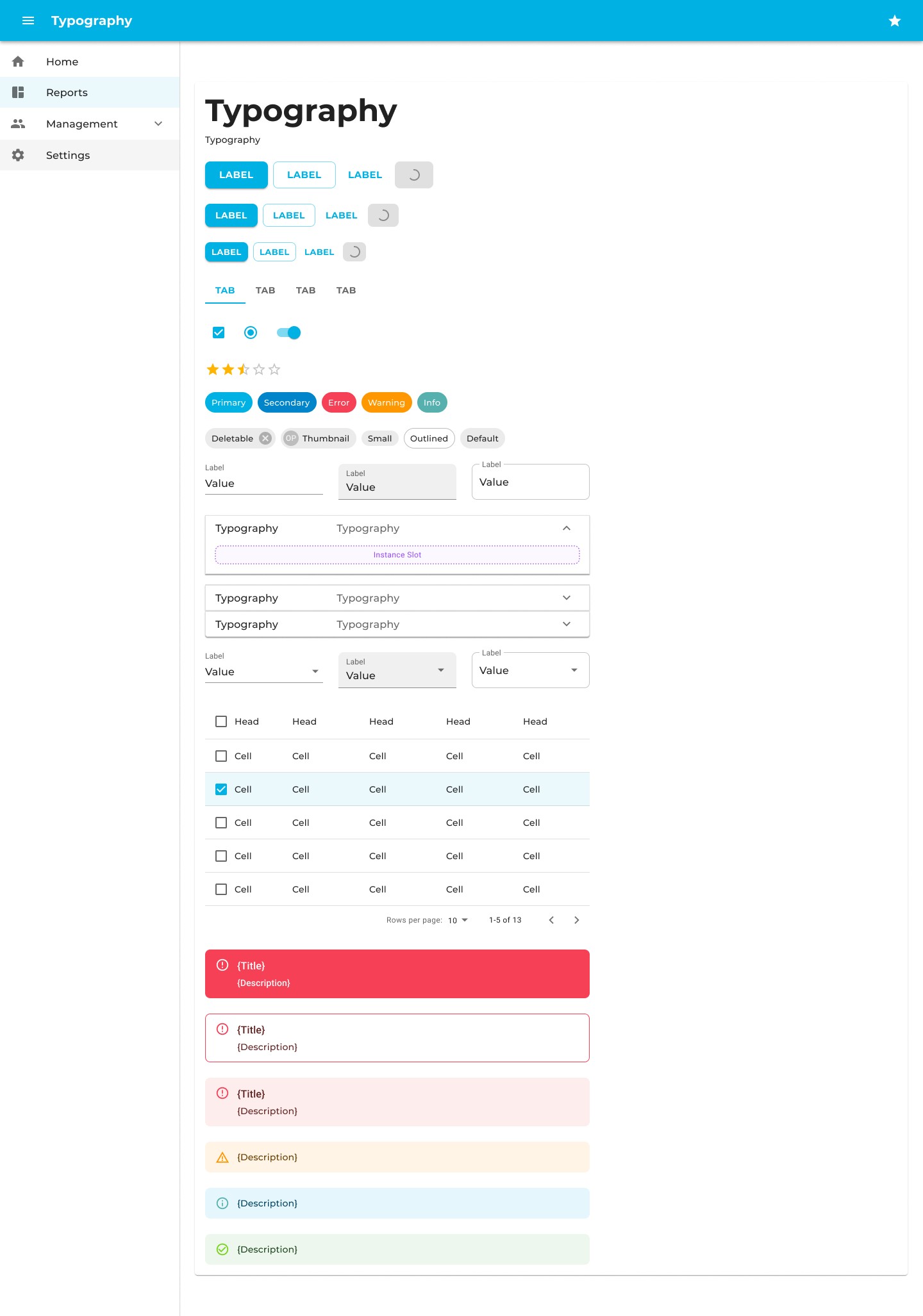
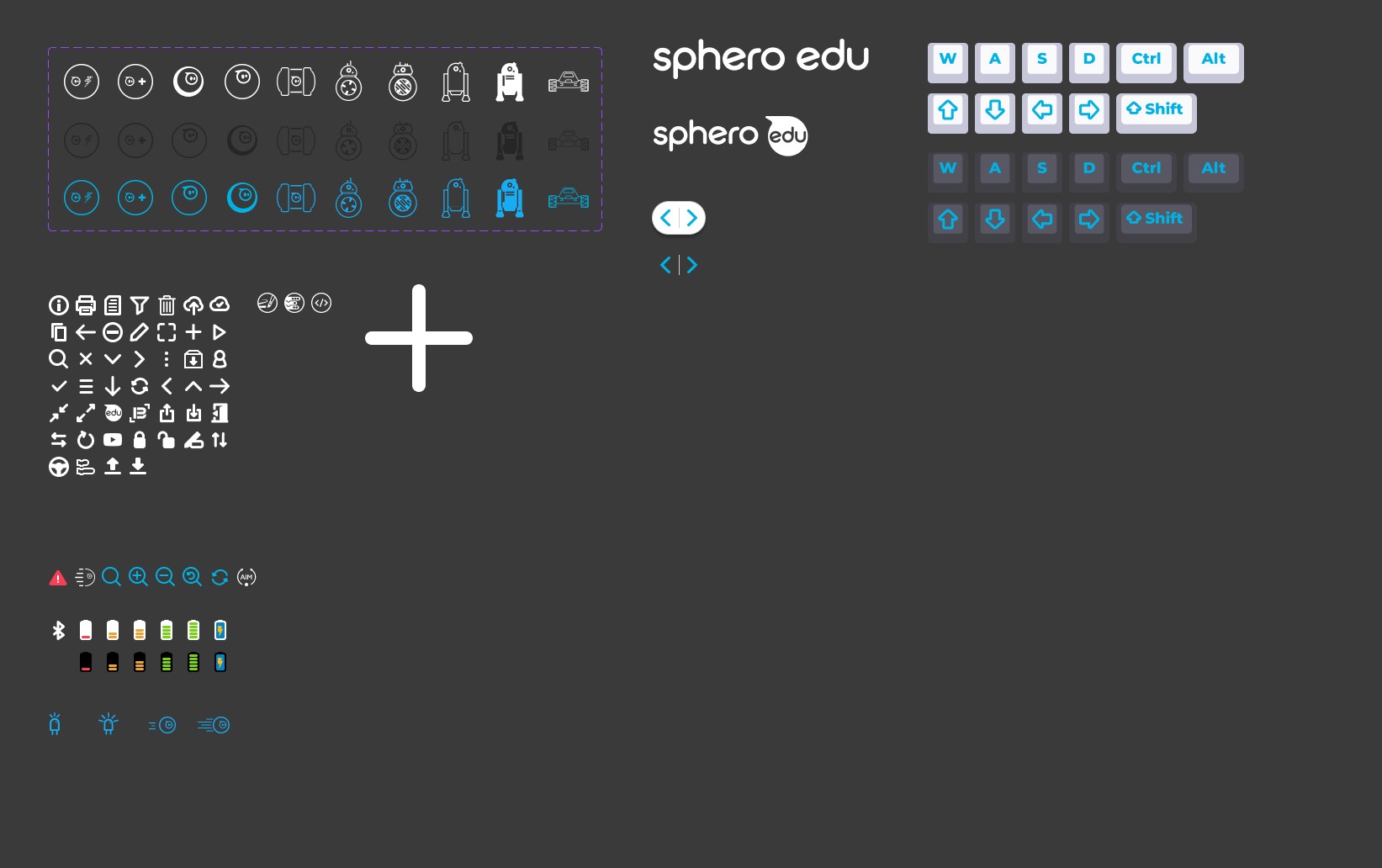
For development efficiency, we built the design system on Google’s Material UI (MUI) library and customized it to match Sphero’s branding. Starting from MUI saved building every component from scratch, so I could focus on custom icons and the components unique to Sphero EDU.
The web app went on to shape Blueprint Studio, which reuses its projects and navigation so Sphero’s web apps feel like one family.
05 — Outcome
2024–25 peak
85K+
Monthly active users in its first school year.
2025–26 peak
135K+
Monthly active users at its peak in March 2026.
Year over year
+50K
More monthly active users than the year before, every month.
To start coding
0
Sign-ins or installs required.
After launch, feedback from our sales and content teams — who work with schools every day — keeps guiding updates to the web app.
What I learned
Less is the feature. Removing the sign-in and the instructions page did more for students than any new feature could have — the fastest way to a better experience was taking steps away, not adding them.